

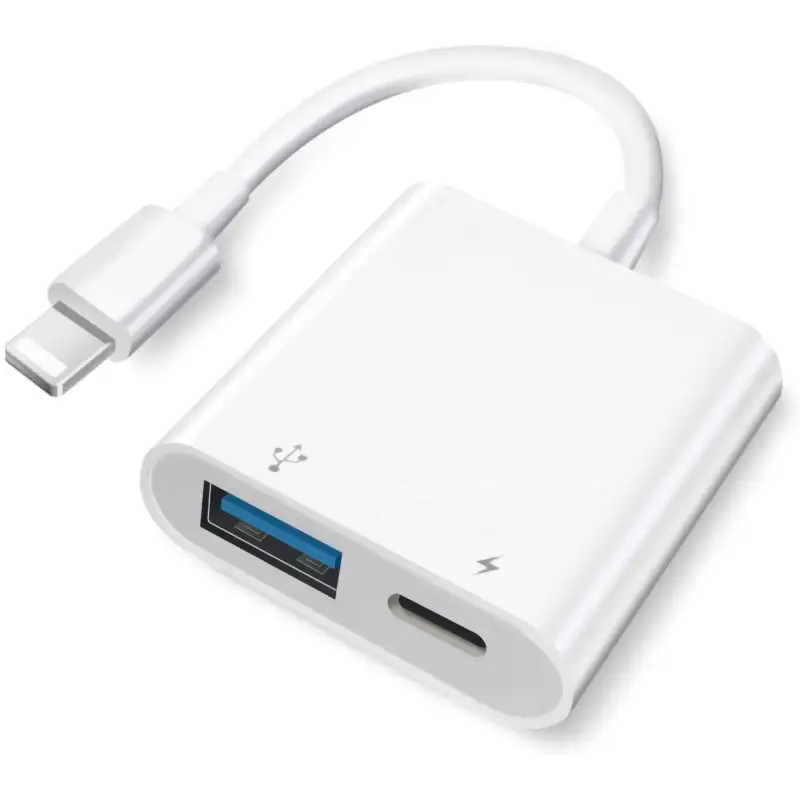

Plusysee USB Adapter iPhone,iPad Camera Adapters, USB Female OTG Adapter for iPhone with Charging Port
Reference: BG0052-9289863
Condition: New product
Delivery on: Jul 28 2026
- 【USB OTG Tech】 This iPhone USB adapter can convert iphone/ipad port into a USB 3.0 Port to connect your external devices and view your photo or video directly
11 Items
More info
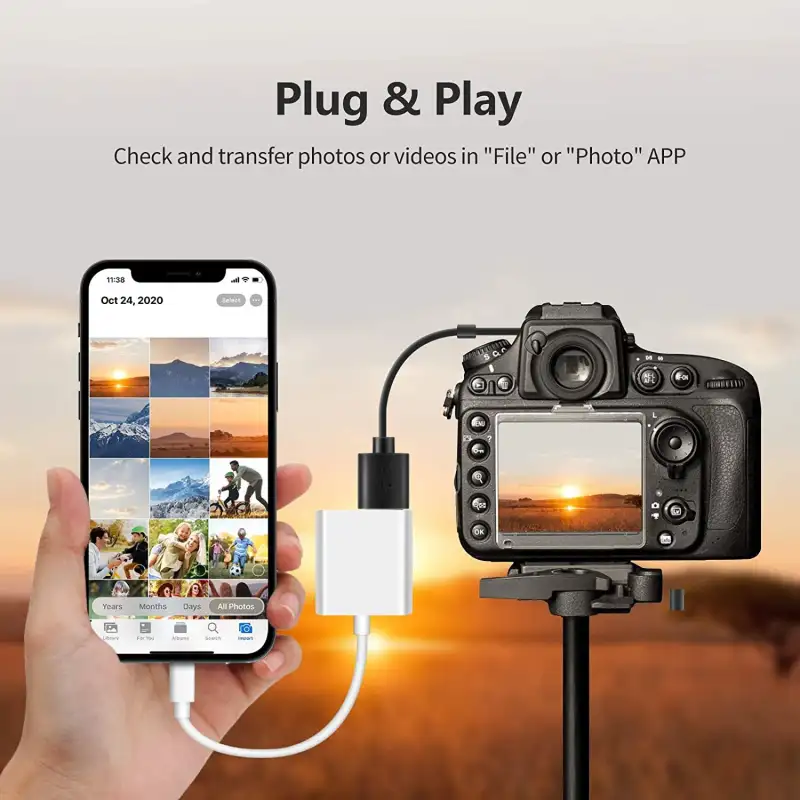
- 【Plug & Play】 No need to download any app for this iphone camera adapters, Only need to Use Apple Photos app or Files app to read and transfer your data
- 【Fast Transmission】Speed of transmission of this female adapter for iphone ipad is up to 5Gbps,sync movies, music, photos and more in seconds, never waist time to wait
- 【Extral Charging Port】With charging port for your low battery device, this USB adapter can avoid the annoying time of dead battery during transferring
- 【Simple Outlook Design】Pure white surface usb adapter to iphone,small size and short cable for easy-carrying.Great helper for both formal work and leisure journey
Product description
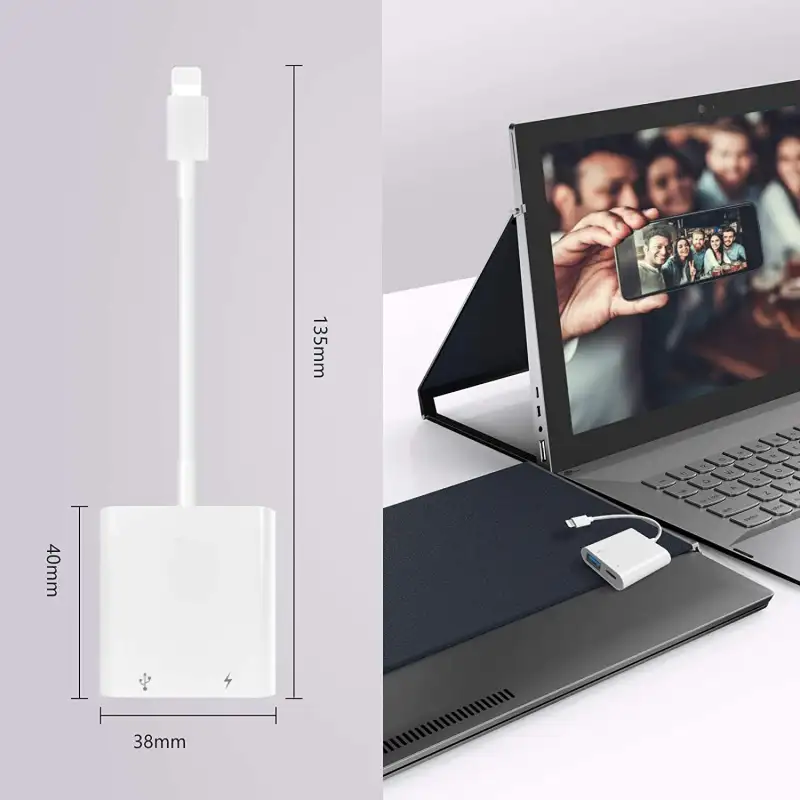
Specifications:
Material: PC
Weight: 14g
Size: 142mm*37mm*11mm
Supported file systems: Exfat, Fat32
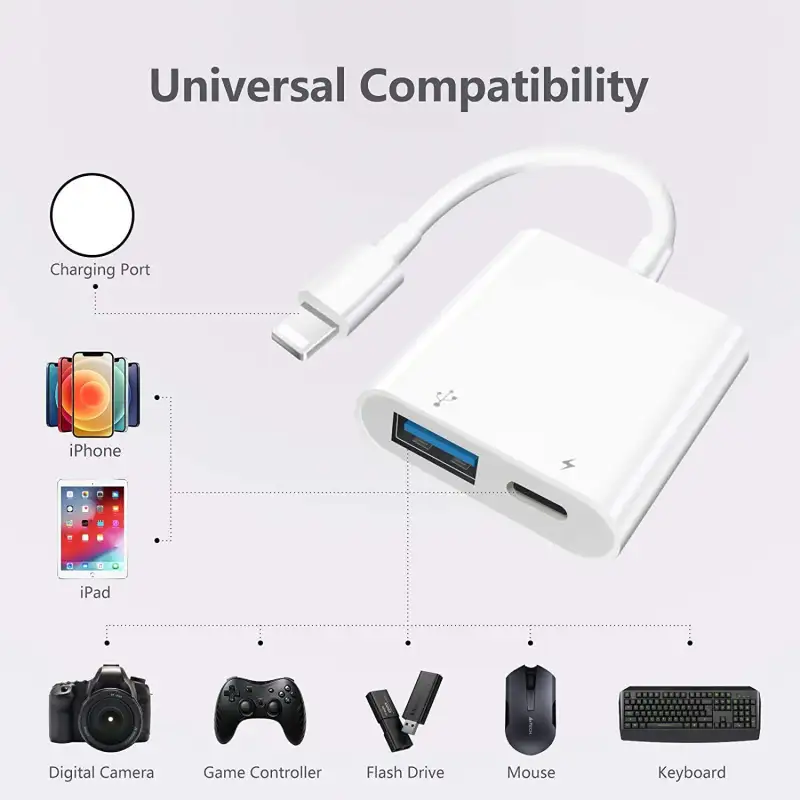
Widely Compatible
Compatible devices:
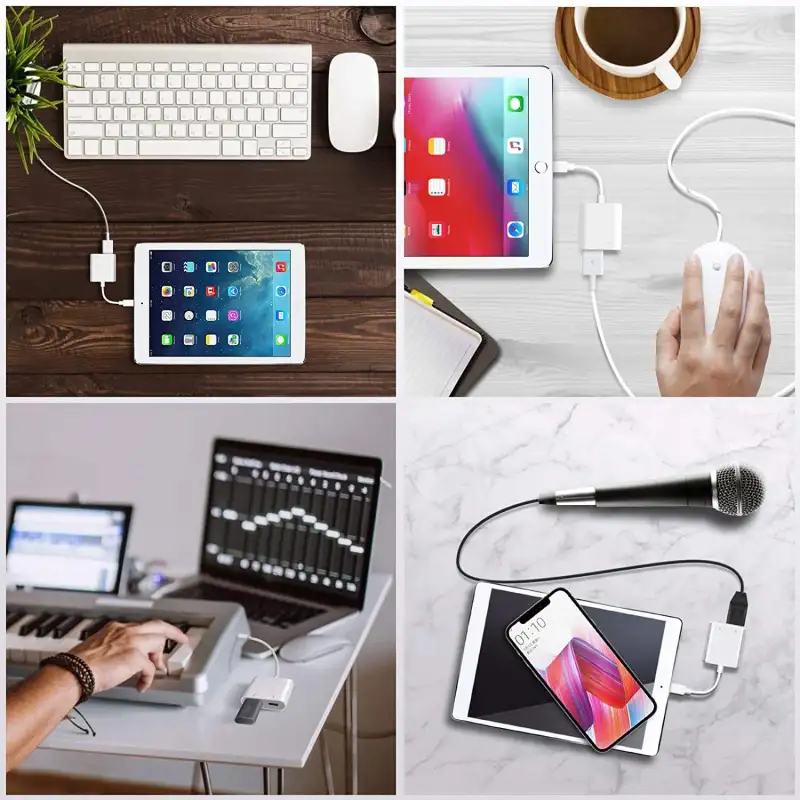
iPhone,iPad, Digital Camera,USB Flash Drive(Exfat or Fat32), Card Reader,Keyboard, Mouse,
USB headset, MIDI Interface, USB Microphone, USB Amplifier, Sony PHA amp,
electric piano, electric torch, electric drums,etc.
Incompatible devices:
Hard disk, printer, recorder, game handle, scavenging gun, portable WiFi, Bluetooth adapter, soundbox,etc.
Connecting a DSLR Camera
For iOS 13 and above:
You need to manually open Apple's Files APP to read photos and videos taken by DSLR camera.
For iOS9.2-iOS12.4:
The Apple's Photo APP will pop up automatically.
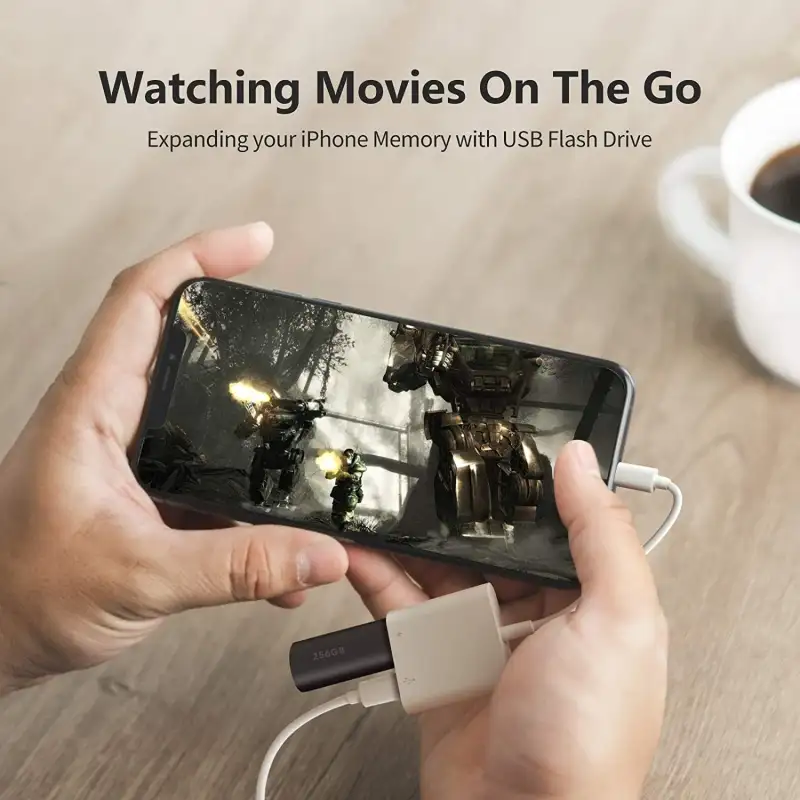
Connecting a USB Flash Drive
Note: Only when the systerm version is iOS13 and above, the external USB Drive can be connected.
Need to manually open Apple's Files APP to read.
Connecting a wired &wireless mouse
Note: Need iOS13 and enable the AssistiveTouch on your iPhone or iPad Settings.
Setting-> Accessibility->Touch->AssistiveTouch->Turn On.